Add Export
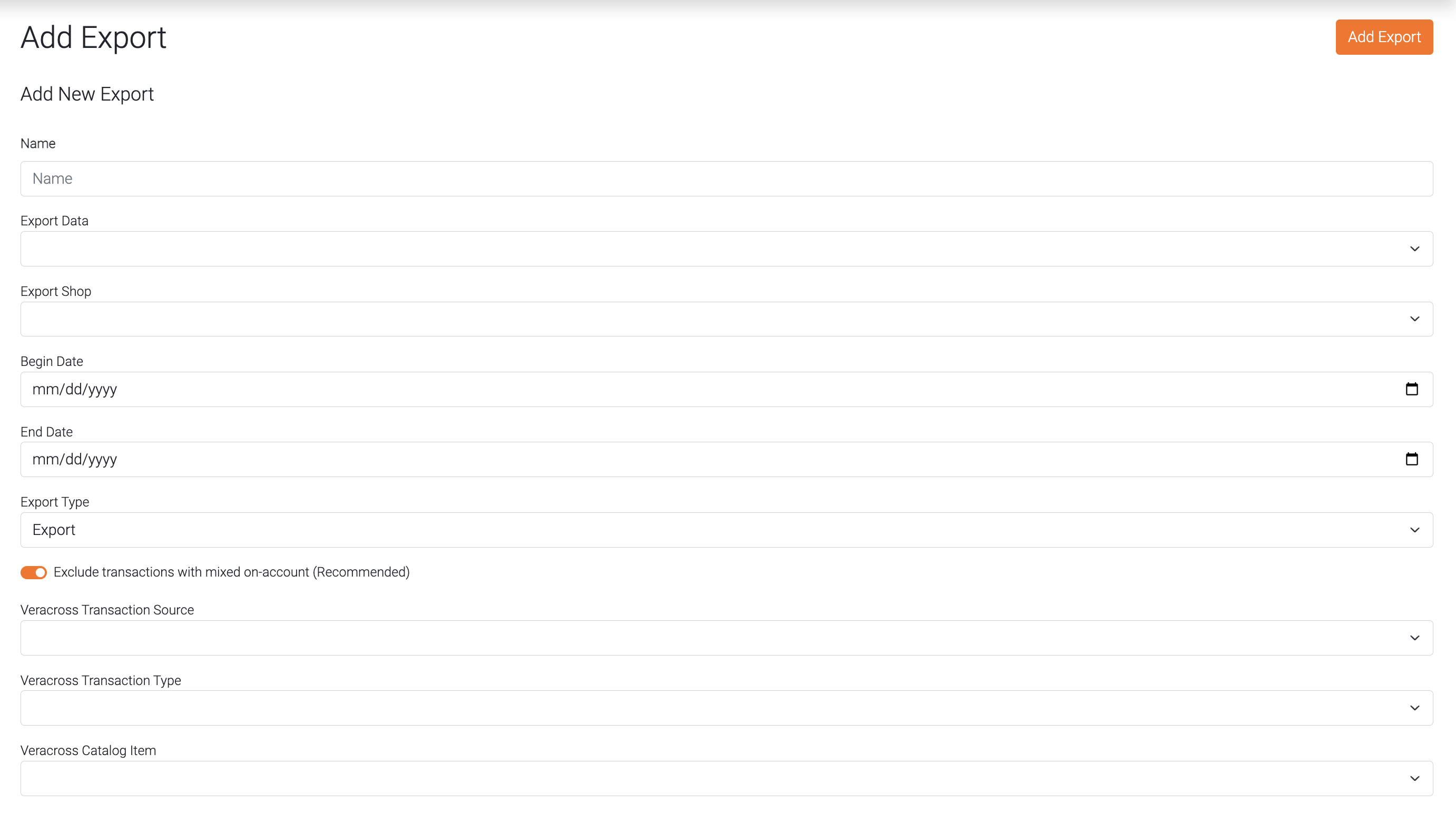
Name
A name for this export.
Export Data
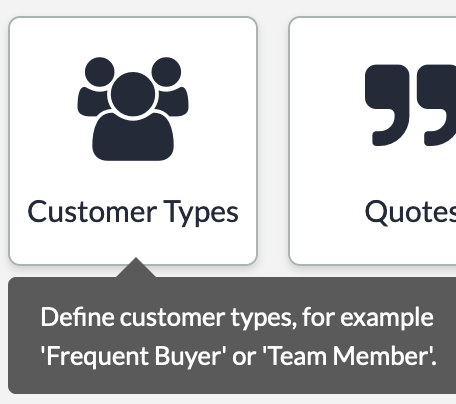
Select what data to export from Lightspeed. This list will be your Customer Types in Lightspeed.
Export Shop
Select the shop for which sales you wish to export.
Begin Date
Enter the beginning date for the sales you want to export.
End Date
Enter the end date for the sales you want to export.
Export Type
Select "Export" to only export the sales.
If you want to clear the balances of the credit accounts, select "Export and Clear Balance". The full balance of all accounts found in this "Export" will be cleared. Regardless if they have sales to export for the date range selected.
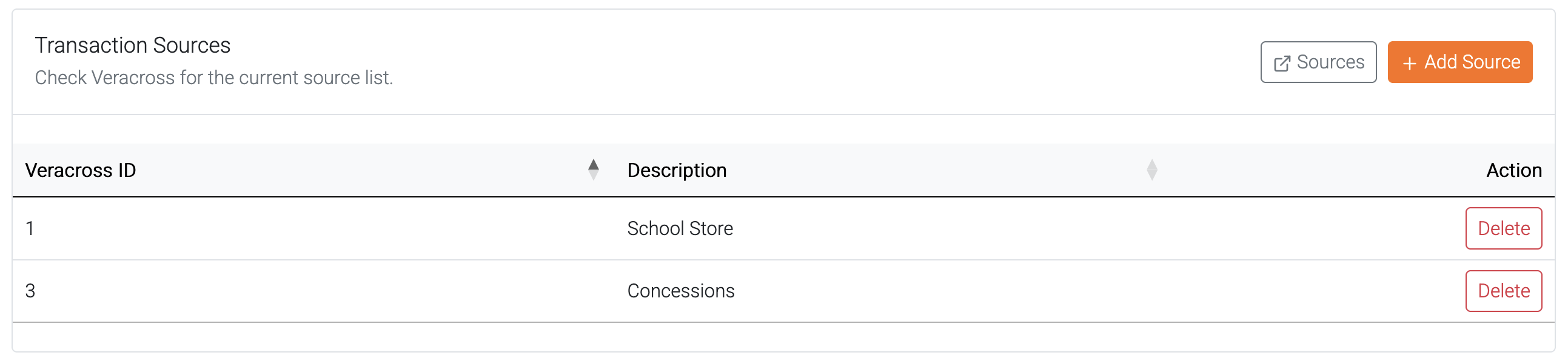
Veracross Transaction Source
Select the transaction source for the export. For example: Cafeteria, Bookstore, or Concession Stand.
To create a mapping for these values look in the Settings.
These values are custom for each Veracross school. For more information on what these values should be, visit Veracross Community
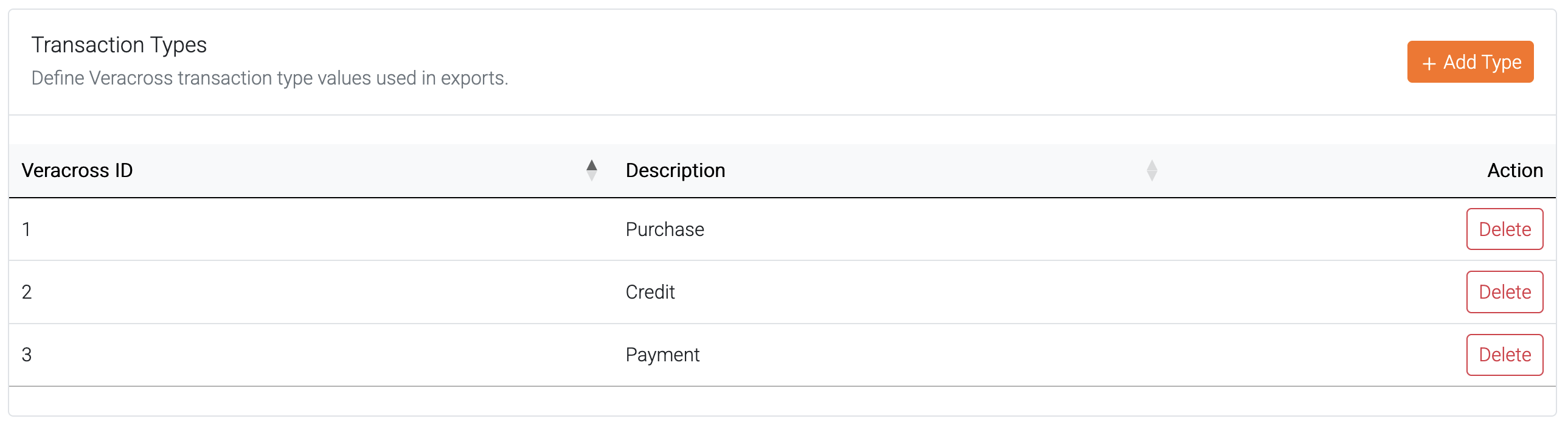
Veracross Transaction Type
Select the transaction type for this export. 1 = Purchase; 2 = Credit; 3 = Payment
To create a mapping for these values look in the Settings.
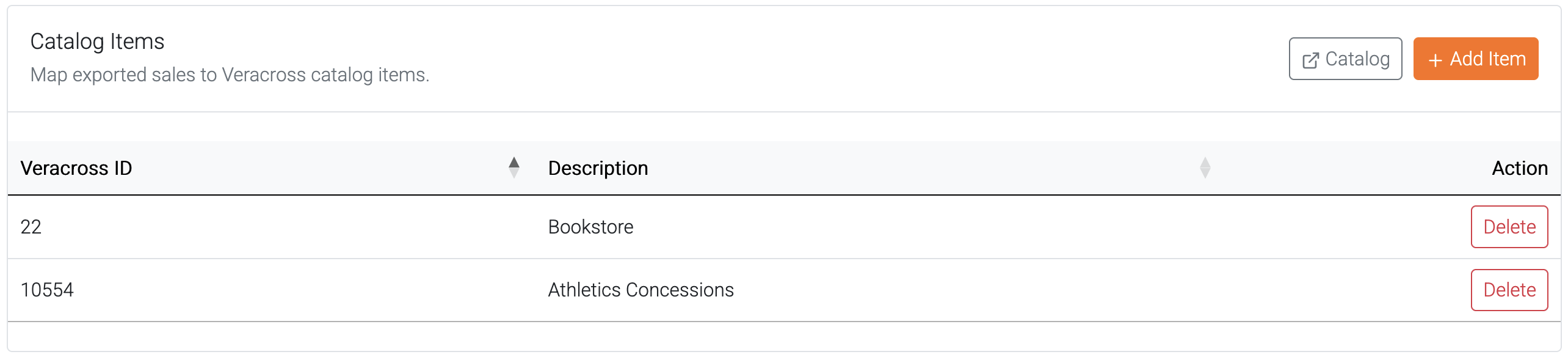
Veracross Catalog Item
Select the catalog item to bill these items to in student billing.
To create a mapping for these values look in the Settings.