Sync and Export Logs
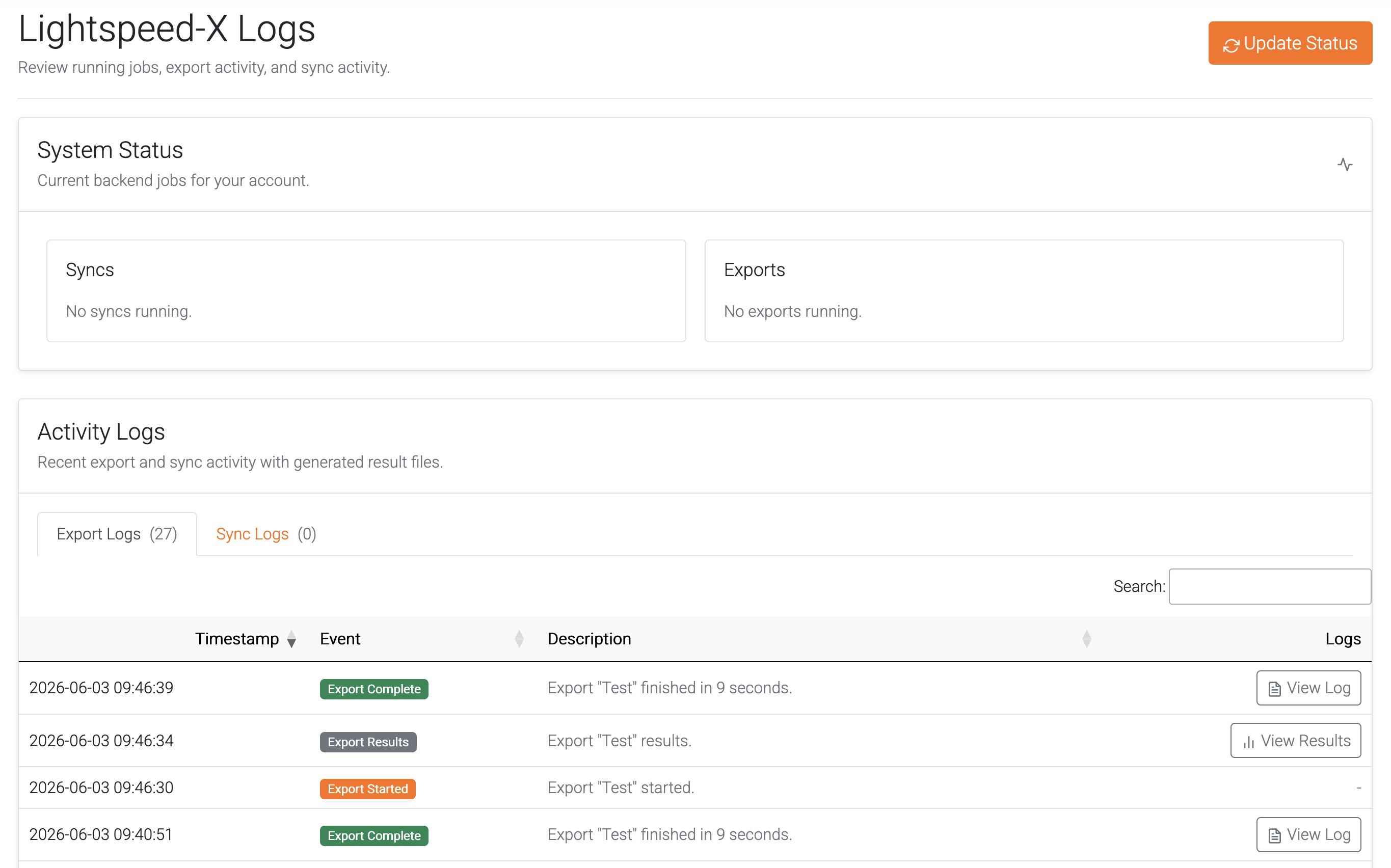
System Status
This is a listing of all tasks currently running on the backend. Use the "Update Status" button or refresh your browser for an updated status.
Export Logs
When an export completes, three Events will be created.
- Export Started: Lets you know when an export has successfully started.
- Export Complete: Contains a detailed log of the export process and any steps taken during the export.
- Export Results: Provides a link to view the results from the Export.
Export View Results
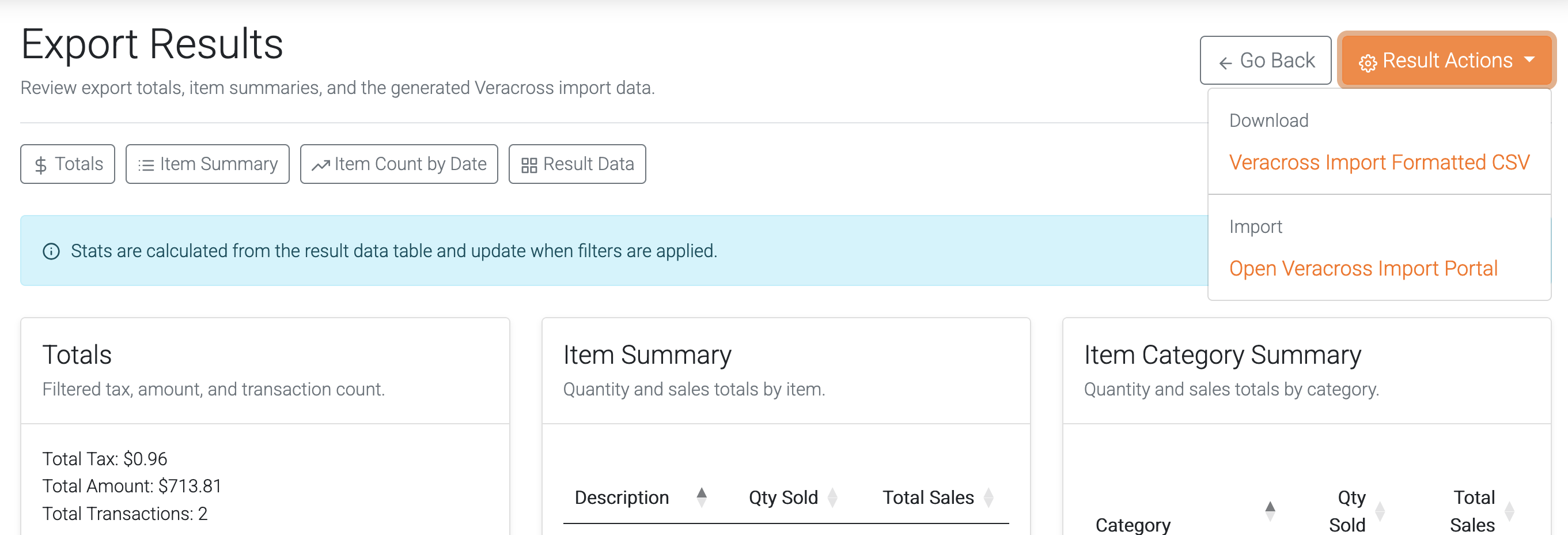
Click "View Results" to view the data exported from Lightspeed.

To post results to Veracross, first download the CSV file by clicking Result Actions -> Veracross Import Formatted CSV, then click the "Open Veracross Import Portal" button to upload the results.
Sync Logs
Detailed logs of each sync will be tracked here. Click "Download Log" to view the results from this sync.
For questions about what is contained in the log files, reference Log Statements Explained.